Alexandra | 6/25/2024
We learned fairly early on in our autism journey that our son is definitely a sensory seeker. He’s constantly running and jumping, flopping around, falling — anything he can do to get some sensory input. So naturally, he took fairly quickly to television. And even more-so to handheld tech.
Not gonna lie, he had his first tablet around 1. I know that statement’s probably gonna make quite a few people upset, but hey, it happened. It was an old Amazon Fire than belonged to my mom. We thought it would be cool for him to have something other than our phones to play with. That was the starter device that opened the door to his iPads… and yes, he’s had multiple iPads. 3 to be exact. And for context, he’s only 4 at the time of writing this. Sounds a little crazy but again, it happened.
We noticed very early in his tech journey that he’s attracted to the colors in the content rather than the content itself. And because he’s a gestalt language processor, we’ve always worked super closely with his speech therapists to determine some of the best ways to get him to start speaking more — expanding his vocabulary, word mitigation, all that good stuff. But once we were unable to continue his regular appointments, we had to start getting creative.
Enter the iPad.
He would be glued to the iPad because of the constant sensory input. And after his designated iPad times, his demeanor would usually be much better. Mood more regulated. Calmer attitude. I also noticed that even though he was mostly interested in the colors within the videos he would watch, he’d also walk away with some new words and phrases — and he was using them correctly! These videos were capable of building his vocabulary in a way that neither myself nor his therapists had had much success, and quickly.
So I started seeing the iPad as less of an enemy and as more of a learning and regulation tool… with proper use.
So I made the executive decision to lighten the iPad restrictions. I wasn’t afraid of him becoming an “iPad kid.” At this point, my mission was to keep him operating in his optimal functioning zone while still learning. And honestly, I’m pretty happy with that decision.
Now, we’ve never been the type of parents to just let him run off with his iPad and let him watch whatever he wants and do as he pleases. There’s always been structure. We implemented things such as screen time, app restrictions, guided access to implement the zoom feature to lock apps into place (which I’ll make a post about later) and more. But this structure has allowed us to fall back some as helicopter parents and allow him some of the quiet sensory-filled time that he badly needs.
Here are some of the things we allow our kid to use his iPad for, almost unlimitedly. Almost.
Click the logos for links to the App Store.

I know this is kind of a hot button topic for a lot of people, but hear me out — YouTube Kids is quite different from regular YouTube. For starters, there are sooo many settings that can be put into place to help ensure that your child only watches things that you specifically approve of. That includes blocking channels, disabling search, and so many more features. I’ll write a separate post about the settings we’ve put into place to protect our son from the weirdos of the internet.
Some of our favorite channels to watch are BrainCandyTV, select videos from MIKAN (and marble run videos in general) and coilbook!

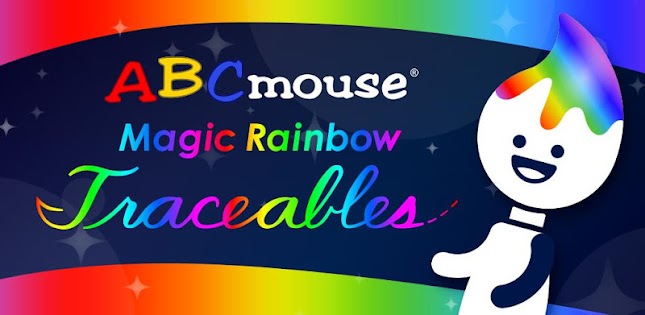
We have an ABC Mouse subscription and primarily used it for homeschooling our son during his preschool years; we wanted to give him a head start. Of course, upon learning that our son is autistic, we found that ABC Mouse worked especially well because of the structure, the built-in games, and the colors. ABC Mouse is one of the only ways we’ve been able to capture his interest in non-STEM subjects. While he still wouldn’t be focused for too long (I’m talking no more than about 5 minutes), he was paying attention to something that he otherwise wouldn’t even give a second look towards — and that was enough for us.
Another great thing about ABC Mouse is that they have a whole collection of apps separate to their main one that incorporate some of the program’s bigger activities — one of our faves is Magic Rainbow Traceables. The whole app is full of color and plays invigorating, yet calming, music. This app does a fantastic job of capturing our son’s attention and can actually keep him busy for quite some time. I highly recommend it for letter lovers like our kiddo.

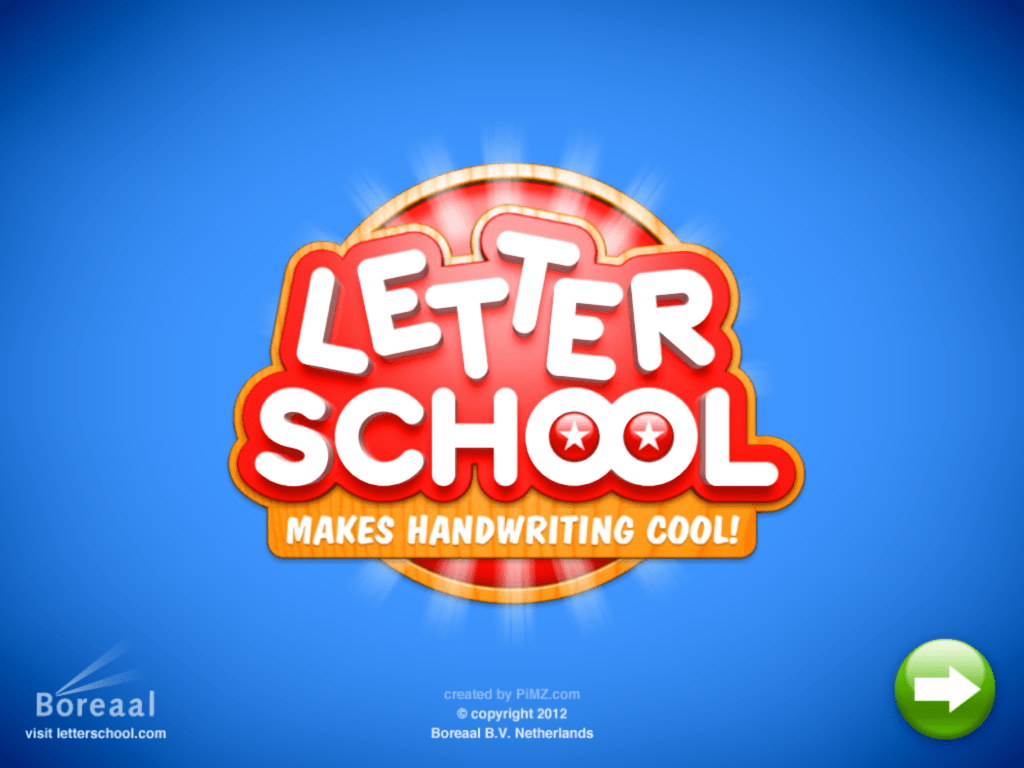
Our son is hyperlexic, meaning (in short) that he has an incredible interest in letters and numbers. And he can’t get enough of looking at them, drawing them, or learning about them. The app Letter School lets him dive into his letters and numbers by teaching how to write them. The app also grants access to other stuff, like Chinese characters, the Greek alphabet, shapes, and so much more. I’ve noticed a difference in his writing since he’s started using Letter School.
Pro tip: if your kid can handle it, use Letter School with a silicone-tipped screen pen and with the device flat on a table or in their lap to mimic using a pencil and paper!
Always have your kiddo use blue light blocker glasses when dealing with tech in general, but especially handhelds and close-range devices. Make sure you grab some from The Shop.

We encourage him to do a lot of educational stuff, but we also understand that sometimes we need a break from the learning. But we still are very cautious about what he watches. Our family has a Disney+ account, so our son has his own profile. And again, we’ve implemented certain settings to ensure that he’s only watching things we approve of.
If he requests to watch something that isn’t approved under his profile, we typically just open Disney+ on the living room tv under one of the adult profiles and allow him to watch there, under our supervision.
But honestly, he takes care of most of the kid-friendly stuff himself. He really only cares to watch Mickey Mouse Clubhouse and A Goofy Movie 🙂

If you’re familiar with this blog, you’ve probably gathered by now that we absolutely LOVE Minecraft in this household. It’s such a simple and open-ended game. There are objectives, but they’re not in any particular order, nor are they required. It’s a sandbox game — you play how you wanna play, and don’t play how you don’t. Simple as that.
So it’s perfect for our autistic son because he can do what he wants and just explore. Because we tend to take a Montessori-style approach towards his learning these days, Minecraft fits in perfectly to that schema. He’s learning cause and effect through the in-game physics, he’s improving his dexterity and coordination by using a controller with his iPad, and he’s getting his sensory input in a calming, more relaxing way.
Learn more about why we love Minecraft here.
Why an iPad specifically?
The answer to that is simple: the Apple ecosystem.
Apple is known for its integration with its other products. Everything works together to provide a better, consistent user experience across devices. That’s what drew us in well before we even had kids, and it’s honestly why we’ll likely never stray away from Apple products.
We can see how much screen time he’s getting from our phones and we can limit whatever we need to in the moment. We can approve and reject app download requests remotely. But the best part is the AirPlay and SharePlay — this means we can project our son’s iPad directly onto our Apple TV in the living room and see exactly what he’s doing at a glance. Or if he’s using his headphones with his iPad in another room, I can also sync my AirPods up and listen in on what he’s doing. If by some wild chance he encounters something he shouldn’t, I can quickly intervene.
Apple’s devices generally cost a bit more, but I honestly feel that it’s more than worth it to drop the extra dollars.
However, these apps aren’t exclusively for Apple devices! The majority of them are available in the Play Store and on Amazon Fire. Check them out!
Are you familiar with any of these apps? What do you think about them? What are your thoughts on kids using iPads and other devices in general? I’d love to hear what you think!
About the Author

Alexandra is the founder of the ‘Tism Things platform and owner of online business The Shop by ‘Tism Things. A proud stay-at-home wife and mama to two amazing, smart, and empowered littles, Alexandra frequently spends her time learning about autism and ADHD, its effects on families and caregivers, and ways to support individuals with either or both conditions. Driven by her son and husband’s autism and ADHD diagnoses, Alexandra prides herself on employing creative methods to adapt her household into one that welcomes people of all neurological types, aiming to foster a sense of inclusivity, understanding and acceptance among anyone’s path she crosses.
When she’s not in a ’tism rabbit hole on the internet or playing with her babies, she’s likely out shopping, cooking something yummy, helping out her grandparents, or out in the garden trying to keep her plants alive in this Georgia heat. Honestly, probably that last one.
 'Tism Things Blog
Sound off!